Apple AirTag vs Spotminders: Which Tracker is Right for You?

I’ve been seeing a lot of ads for credit card trackers lately. You know the kind. Slip one into your wallet, and you’ll never lose track of your money, or at least the wallet containing it. I’m also thinking a tracker could help you find loved ones who wander because of memory decline.
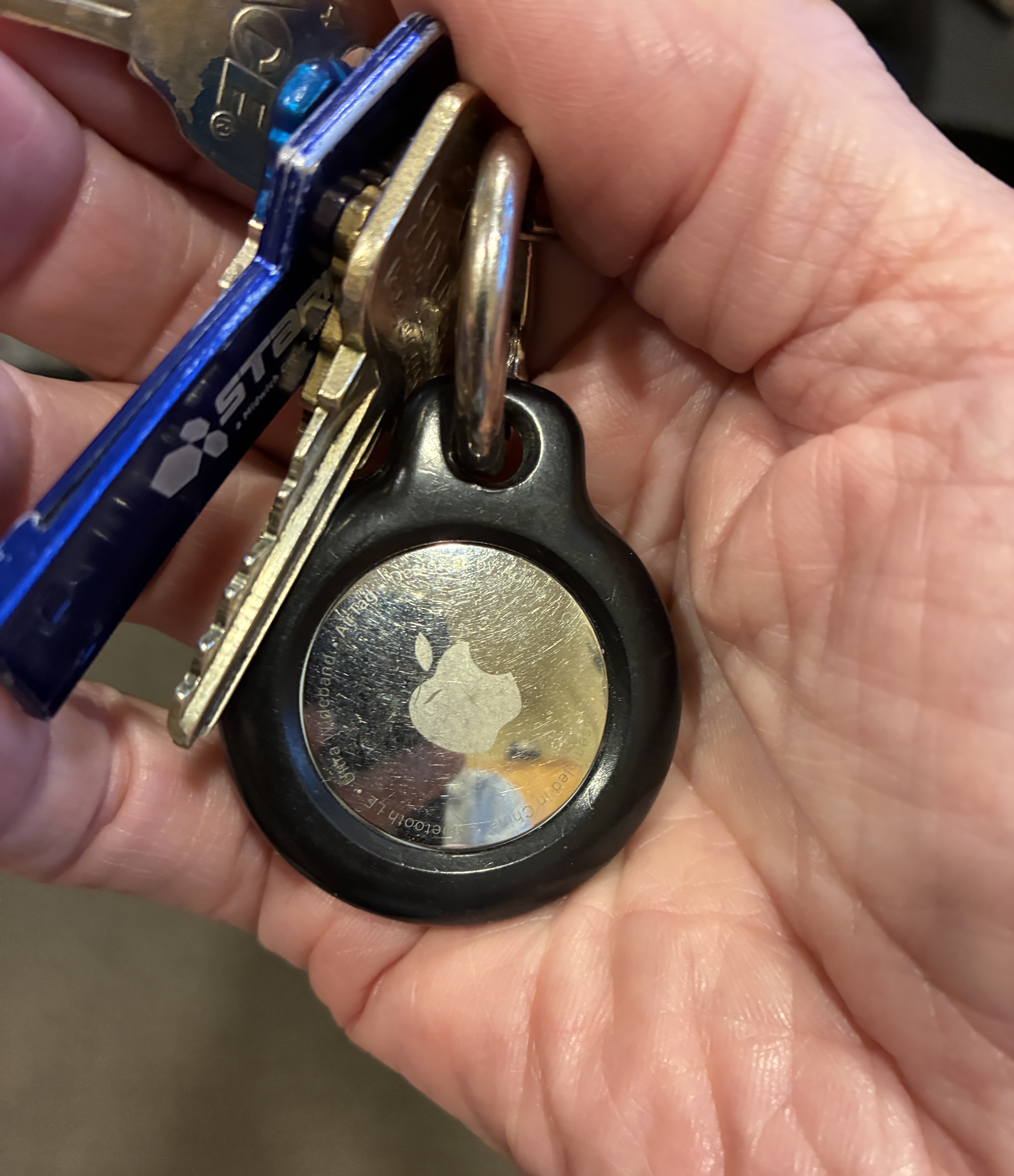
A person's hand holding a set of keys with a metallic Apple AirTag attached.

A cat’s been hanging around my neighborhood with an AirTag attached to its collar. I’ve wondered if the battery is dead.

I’m a brand-loyal kind of guy. I already have an Apple AirTag attached to my key ring. It gives me a certain amount of comfort knowing I can find my keys without turning the house upside down.

I wondered about the Spotminders Tracking Cards and watched ad featuring an airline pilot. She promised much the same peace of mind, only in a package thin enough to slip into my billfold.

Is it time to cheat on Apple?

Let’s investigate.

Two Trackers, One Apple Ecosystem

First, an interesting discovery: A Spotminders isn’t an alternative to Apple. Its Tracking Card uses Apple’s Find My network, just like an AirTag.

Both devices send out Bluetooth signals. When a compatible Apple device passes within range, it can detect the tracker and anonymously relay its location to Apple’s Find My network. You can then see the reported location on your iPhone. Spotminders only works on iPhones.
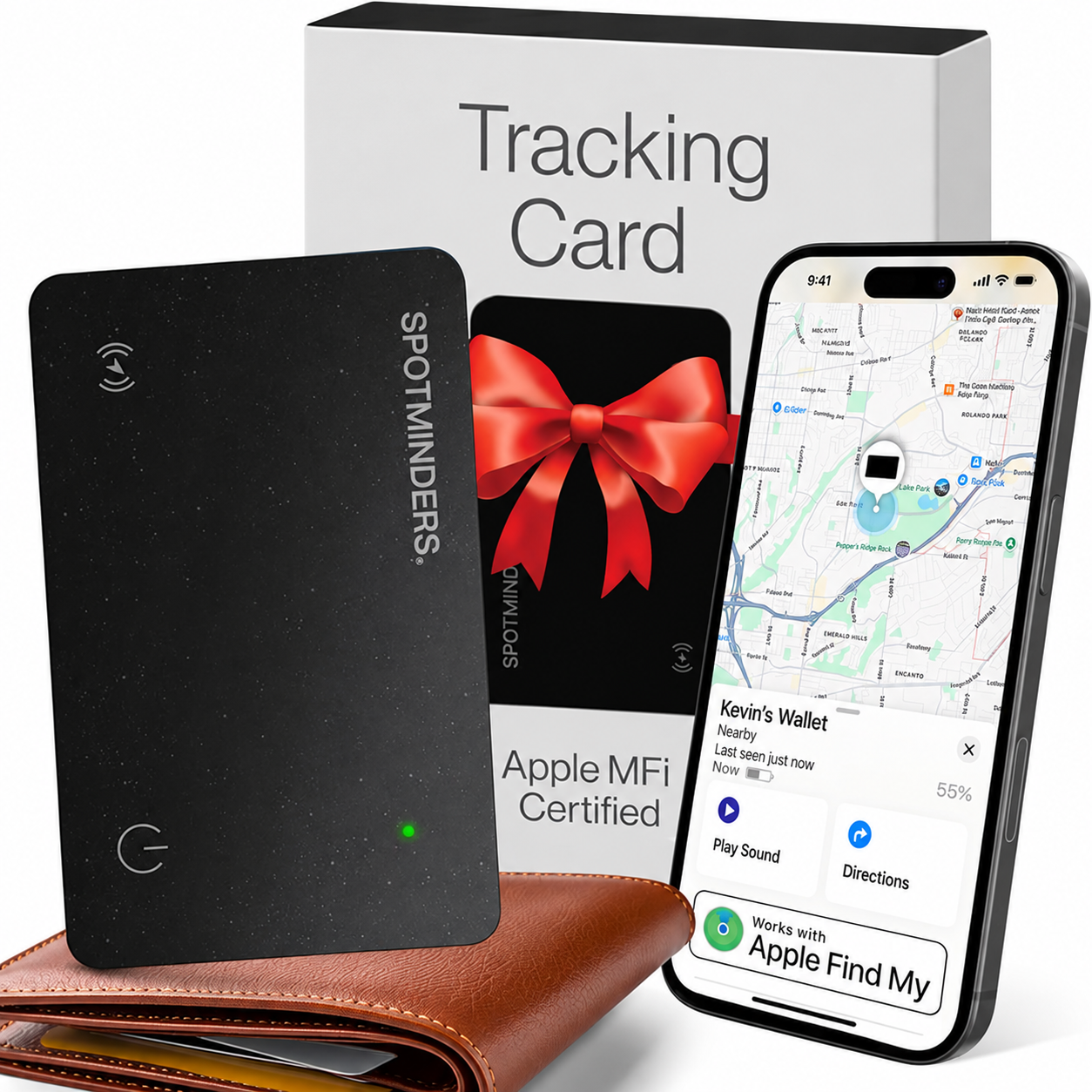
A black tracking card from SpotMinders, presented in a box with a red bow, next to a smartphone displaying a map and location information for Kevin's Wallet.

Neither device needs its own cellular subscription, and neither requires a monthly tracking fee.

The main difference is what you attach it to or where you slip the tracker.

An AirTag is a little round disc, perfect for a key ring, backpack, or suitcase. A Spotminders card is about the size of a credit card and 1.8 millimeters thick. It fits inside a wallet or passport holder without adding much bulk.

Apple has your keys. Spotminders wants your wallet.

The Feature Face-Off

FeatureApple AirTagSpotminders Tracking Card
Tracking networkApple Find MyApple Find My
FormRound, key-ring-friendlyThin, credit-card-sized
BatteryReplaceable coin batteryRechargeable
Battery lifeAbout one yearUp to 8 months per charge
SoundBuilt-in speakerBuilt-in sound alert
Nearby precision findingSupported on iPhones. Androids not supported. Precision finding.Supported on iPhones. Androids not supported. No precision finding.
Monthly feeNoneNone
Best useKeys, bags, luggageWallets, passports, slim bags

One practical advantage of the AirTag is its replaceable battery, which lasts around eight months. When it runs down, I can pop in a new coin battery.

Spotminders requires recharging. That’s not a dealbreaker, but it’s another thing to remember. The card’s big advantage is its slim design.

If you’re already an iPhone user, you don’t have to learn a new app. AirTags and Spotminders cards both work through Find My. Neither is Android-compatible. There are Android-compatible tracker cards.

Lost Pets: Potentially Useful

For a dog or cat, an AirTag can work surprisingly well if the animal gets lost in an area with lots of Apple devices. The AirTag broadcasts Bluetooth, and nearby Apple devices can anonymously relay its location through Find My.
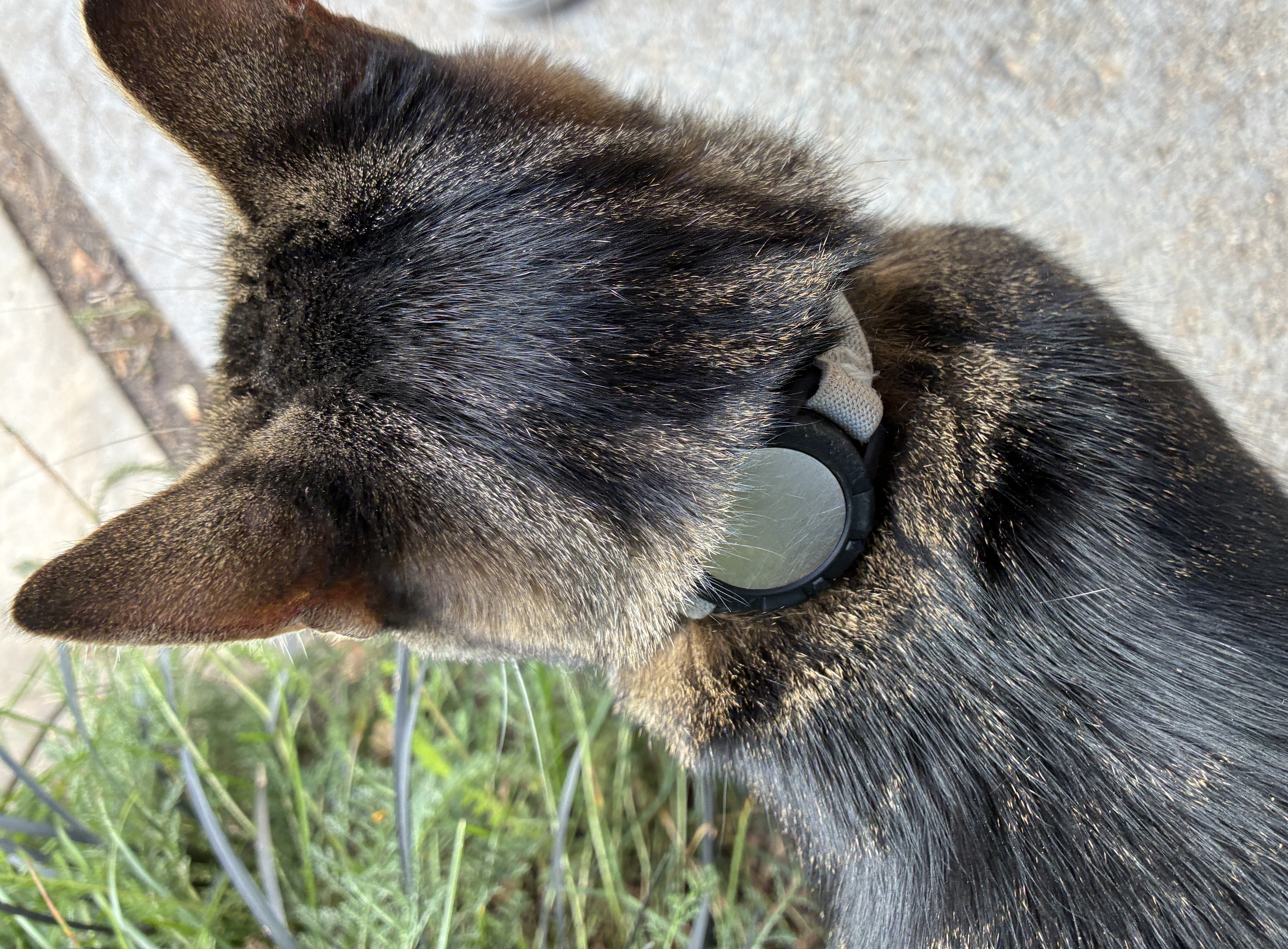
Close-up view of the back of a cat's head with a collar and a round tag, surrounded by greenery.

The big weakness is rural territory. If the cat in my neighborhood had wandered from the foothills it would have a good chance of being tracked. If a town cat got lost in a rural area, you may get no new location updates until somebody with an Apple device comes within range.

That’s quite different from a GPS pet tracker, which gets its position from satellites and typically sends that information over a cellular network.

I’d favor an AirTag over a Spotminders card for a pet because there’s an AirTag adapter for a band and it has a replaceable battery. Spotminders is a very thin Find My accessory designed for wallets, luggage, and backpacks. Its card is waterproof, but that’s not the same thing as being designed to survive life on a dog’s collar.

Lost People: Much Trickier

For someone with memory impairment who is prone to wandering, an AirTag or a Spotminders card could be one layer in a broader containment/safety plan:

  • AirTag or Spotminders card on clothing, shoes, a keychain, or in a bag. If the person wanders into an area with Apple devices nearby, Find My provides a location.
  • Family/caregivers can check Find My instead of immediately starting a neighborhood-wide search.
  • Both trackers would be useful in crowded environments. If the person gets lost in a shopping center, airport, cruise ship, or downtown area where lots of Apple devices are likely to be present, Find My will send out the location.
  • My Find trackers shouldn’t be the only safety measure. In a rural area, underground garage, or other place with few Apple devices, location updates may be sparse or nonexistent.
  • For someone who routinely wanders, a dedicated GPS/cellular device may provide more dependable continuous location information than an AirTag or a Spotminders card.

Am I Switching?

I’m keeping my AirTag on my key ring. It already does the job, and I like the convenience of its replaceable battery and Precision Finding feature on compatible iPhones.

I can see the appeal of the Spotminders Tracking Card, but the AirTag is $10 cheaper, and I can stick the disc in my wallet. It’s not a hockey puck. I may try a Spotminders for the heck of it.

The tracker’s shape matters less than the network behind it. Both rely on Apple’s Find My ecosystem, and neither is a magical, always-connected satellite tracker.

My brand loyalty remains intact. It’s just a matter of time before Apple flattens the AirTag into the iCard.

MapQuest vs. Google Maps: A Personal Journey Through Navigation

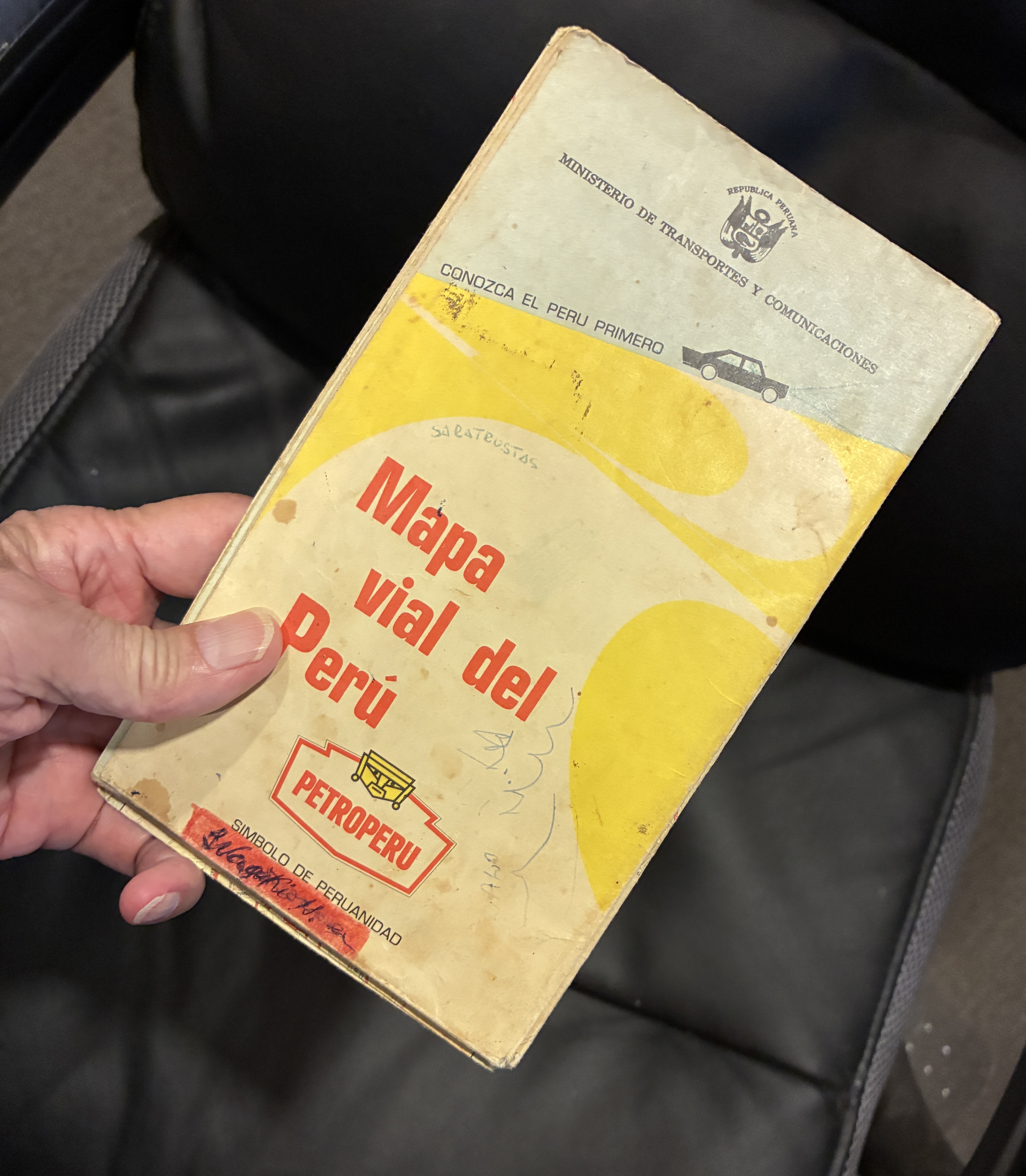
I remember when navigation meant opening a paper map and hoping I could refold the creases in the right order so the rectangular map would fit back in the glove box.

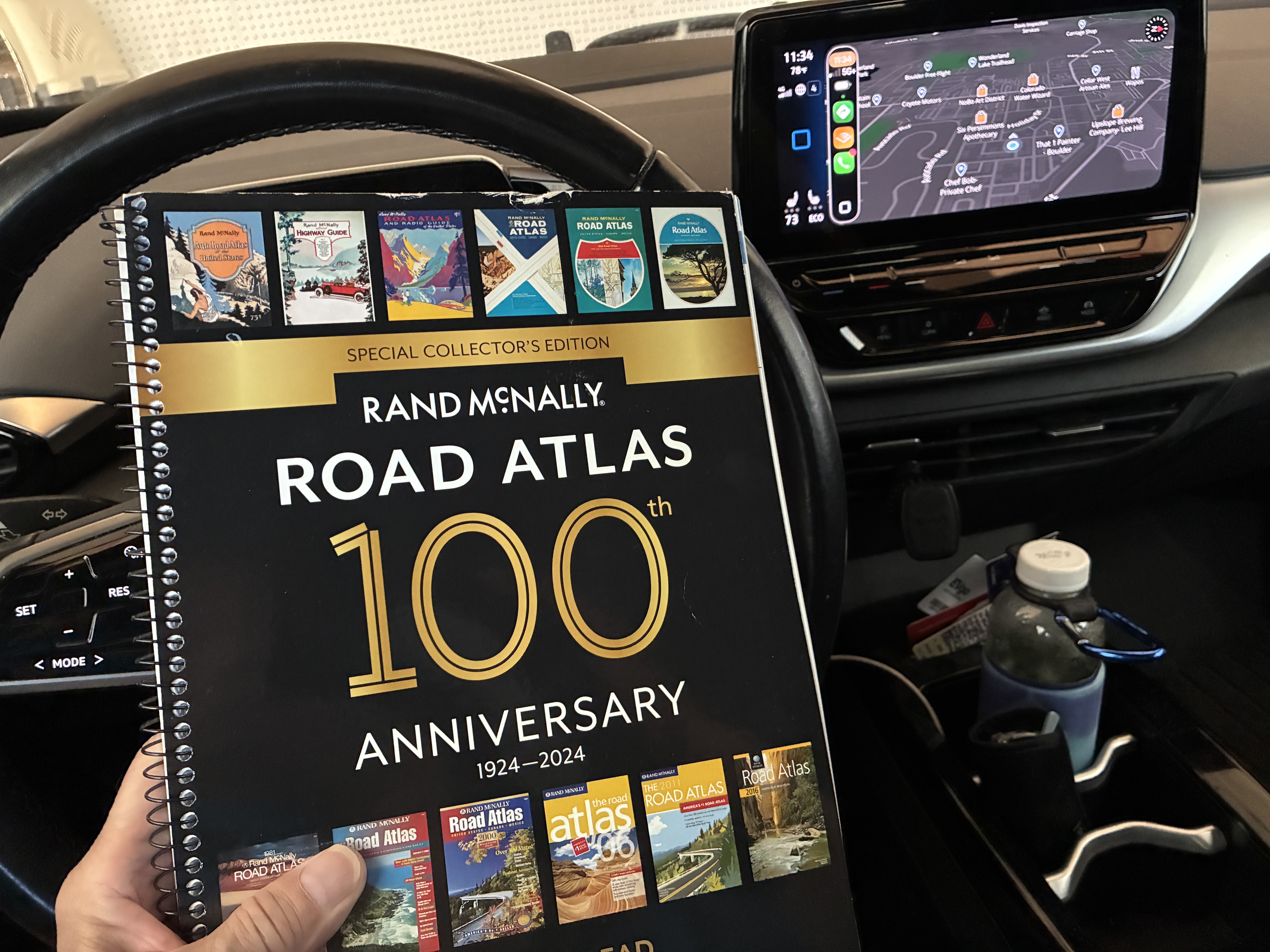
I used to keep road maps in the car. Rand McNally kept me company. AAA travel agents walked me through the maps and helped plan my route.

On family vacations, my dad stopped along the way, unfolded the map across the hood, and tried to figure out where we were.

In the 1960s, cities expanded, roads changed, and maps quickly fell out of date. Countries change names. Borders move. Entire countries disappear.

Columbus dealt with a similar problem, although his maps had considerably more blank space than mine. On his first voyage in 1492, he charted islands and coastlines in the Caribbean, adding information to the European maps. Early explorers thought they had reached Asia.

Maps have always been snapshots of what somebody thought the world looked like at a particular moment.

Africa provides plenty of examples. The Gold Coast became Ghana. Northern Rhodesia became Zambia. Southern Rhodesia became Zimbabwe. The Belgian Congo became Zaire, then the Democratic Republic of the Congo. Those changes reflected independence, revolution, political change, and the rejection of colonial names.

Then the Soviet Union became the mother of all map revisions. If you owned a map of the USSR in 1990, you had a collectible.

In 1991, the Soviet Union disappeared, and 15 independent countries emerged from its former republics. Russia, Ukraine, Belarus, the Baltic states, the Central Asian republics, and others became countries rather than chunks of a giant red blob.

Imagine being the guy at the map company who got that phone call.

“Hey, Bob. You know that giant country we’ve been printing for 40 years?”

“Yeah.”

“Well, it isn’t there anymore.”

“Great. I’ll call the printer and see if we can cancel that last order.”

The world’s constant change is one reason digital maps make so much sense. Digital maps can be updated overnight.

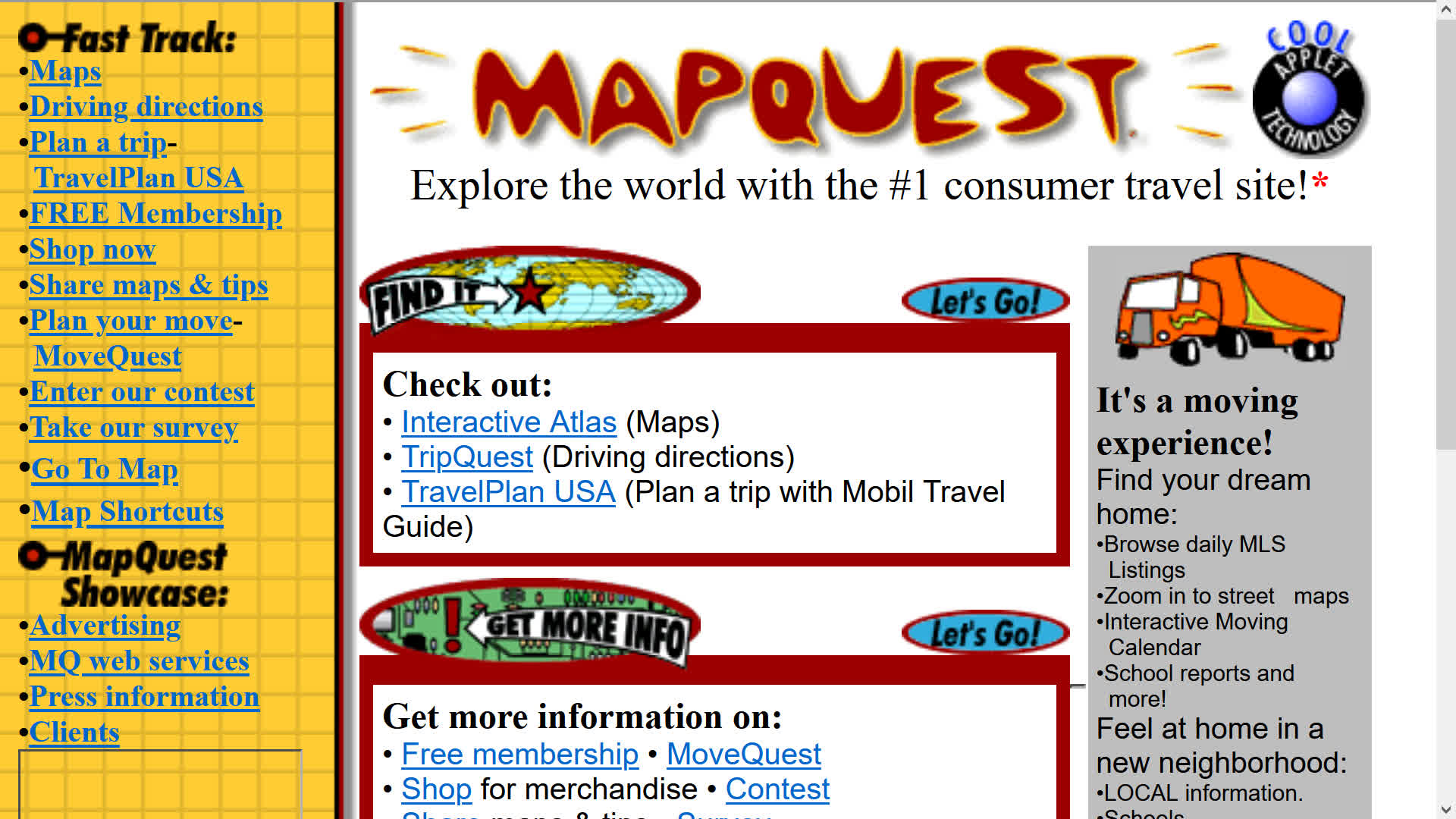
Then MapQuest came along.

MapQuest moved the old business of producing maps and driving directions online. In 1996, it launched its web mapping service and became a pioneer of online interactive maps and driving directions. I could access MapQuest on my Palm Treo. I had to write down the driving directions, though.

In the early 2000s, MapQuest gave up its top spot to predatory Google Maps and Apple Maps. Between the two of them, they turned everybody’s phone into a dashboard navigator.

I used them both until today, when I went back to MapQuest.

There’s a reason.

In January 2025, the federal government renamed the Gulf of Mexico as the Gulf of America. The Interior Department updated the federal Geographic Names Information System and directed federal agencies to use the new name. The United States couldn’t make the rest of the world change its maps.

Then in 2026, the government changed Lake Ontario’s name to Lake America.

Google Maps and Apple Maps changed their digital maps. U.S. users see Gulf of America, while users in Mexico and Canada see Gulf of Mexico and Lake Ontario, respectively.

That’s when I decided I’d had enough and switched over to MapQuest. I’m a simple fellow and don’t like change.

It turns out MapQuest didn’t go along with the Lake America or Gulf of America renames. The OG digital map appealed to me again.

I like the idea that my navigation app won’t make me relearn geography.

At least for now.

This creates a new problem if MapQuest changes its mind.

My solution?

I keep an out-of-date hard-copy Rand McNally road atlas in the pocket behind the driver’s seat, where nobody can update it while I’m driving.

While driving through the middle of nowhere, I had no cell service in eastern Colorado. The apps didn’t work. I pulled into a truck stop.

No maps.

Walmart had one.

If everything else fails, I’ll pull over, get out the atlas, stare at it for five minutes, and pretend I know where I am.

I get curious when I research my stories.

Rand McNally began in Chicago when printer William H. Rand hired Irish immigrant Andrew McNally in 1858. The company began as a traditional printing company.

In 1924, Rand McNally published the “Auto Chum,” which evolved into the road atlas that became essential reading for generations of American motorists.

Phone gray market – a change from the geeky to the greedy

I used to be an early adopter of technology, which is a throwback to my dad’s habits. We had one of the first color TVs on the block and one of the first microwave ovens. I had one of the first VHS tape cameras and recorders.Over the years, though, there are so many gadgets hitting market, it’s basically impossible to keep up, so I don’t bother.

Confiscated iPhones at China customs smuggled in as  box of tea.

Confiscated iPhones at China customs smuggled in as box of tea.

I’ve been reading some business articles about the long waiting lines at the Apple stores when the iPhone 6 and 6+ came out. In the past, those camping out for days were the Macintosh geeks with nothing better to do but wait around to be one of the first early adopters to dial up on the latest iPhone.

Seems that the market has changed from the geeky to the greedy. Here’s a link to a short video shot by a movie maker in New York, Casey Neistat, about who was standing in line waiting for the iPhone 6 to go on sale. Watch the movie by copying this link and opening it in your browser https://www.youtube.com/watch?v=Ef_BznBwktw

Most of the people waiting were Asians of all ages who bought the phones to resell to fences who then turn around and sell them in the Pacific Rim – mostly in the People’s Republic of China (PRC). The video shows these little old ladies sitting on the curb waiting for the apple store to open.

In September, the price for the 16GB iPhone 6 in the PRC was $1,791 USD, down from $2,117 USD for “pre-orders” placed with the sellers who got their fists around the new models soon after they went on sale outside of PRC.

Meanwhile, Apple is getting the proper licenses to sell in the PRC which should stabilize the market.

Over the past few years, I’ve missed out on too many ‘buy low – sell high’ opportunities. I did score by hoarding a few Toy Story dolls and made a killing on ebay, but that’s pretty low tech.